YuanRong Equipment System
Four slots, 168 items, role limits, and banner identity.
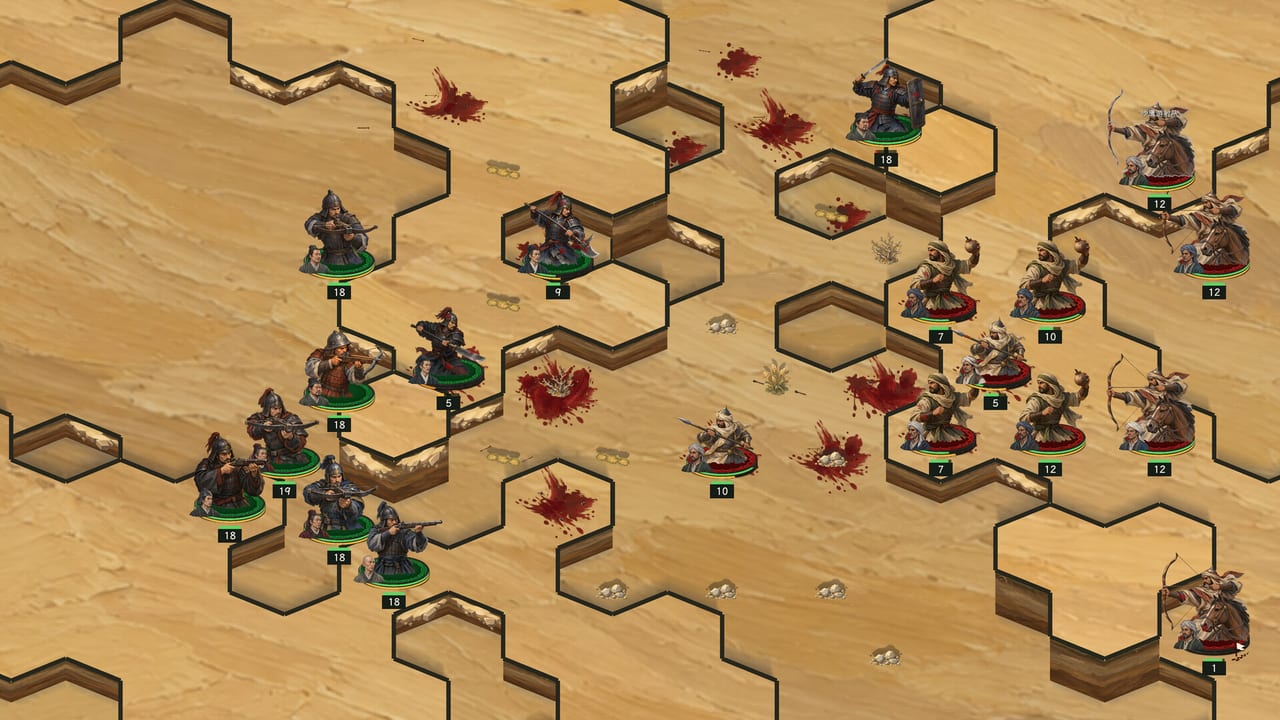
Equipment in YuanRong is not a generic loot bag - it is a command toolkit that sits beside Battle Doctrines and your chain of command. The September 20 major update introduced both systems together: doctrines shape how your company fights across Infantry, Ranged, and Cavalry trees, while equipment fills four dedicated slots that reinforce organization, personal attributes, military administration, and formation orders. Read this page after Getting Started and Recruitment and Formations, and keep Combat Basics open when you decide which empty slot to fill first.
YuanRong (Yuanrong: Princeps Militum) is a solo-developed 2D turn-based tactical RPG from FY Developer / FY Publisher. Steam Early Access launched November 23, 2026 (app 4801600). The campaign is single-player only - every Insignia, Adviser, and Banner you assign is your risk, yours alone on the campaign map.
What the equipment system covers
There are four equipment slots:
- Insignia - organization and discipline
- Special Items - personal attributes
- Advisers - military administration support
- Banners - formation orders conveyed through NCOs
Across those slots the game ships 168 items spanning the four cultures - Central Plains, Steppe, West, and Desert - and four rarity tiers: white, green, blue, and purple. Higher rarity is not automatically “equip this forever.” A green Insignia that patches your early Organization leaks often outperforms a purple Banner you cannot legally seat on the character who needs it.
Role restrictions matter. Equipment slot permissions reflect character responsibilities in the command structure. Officers, NCOs, companions, and the commander do not share a free-for-all wardrobe. Before you buy a flashy purple piece, confirm who can wear it and whether that person is actually in the formation you field for mercenary contracts.
Insignia: organization and discipline
Insignia lean into company cohesion - the soft stats that keep ranks obedient when Fatigue climbs and enemy pressure spikes. If your hex fights fail because Organization melts before HP does, prioritize this slot. Central Plains mutual-support lines and West shield walls feel the difference first; Steppe and Desert companies still care when a pursuit or shell flex turns into a rout.
Practical habits:
- Fill empty Insignia slots on command ranks before chasing vanity Special Items.
- Prefer culture-aligned Insignia when the bonus clearly supports your doctrine path (Doctrine Builds).
- Revisit Insignia after Ready the Ranks-style balance swings - organization math and shield/charge feel can shift, so a “good enough” white piece may need upgrading.
Treat Insignia as insurance for the formation you already built in Recruitment and Formations, not as a substitute for missing NCOs.
Special Items: personal attributes
Special Items improve personal attributes on the wearer. Use them to shore up the individual who carries disproportionate risk: a companion who leads a wing, a renowned captain you finally unlocked, or an officer who always sits on the contested elevation hex. Do not spray Special Items across every soldier just because inventory notifications light up.
Good Special Item thinking:
- Match the attribute bump to the job - survivability for front officers, tempo or skill-facing stats for characters who resolve contract checks.
- Remember companions grow and can take a one-time growth reset from Ready the Ranks; gear that amplifies their planned tree beats gear that props up a temporary dump-stat build (Companions).
- Cross-check culture expectations on Cultures Overview so you are not stacking desert-flavor items on a Steppe mobility core for fashion alone.
Advisers: military administration
Advisers support military administration - the off-hex work that keeps wages, training, and staff loops healthy while you march. When campaigns stall because towns, ledgers, or company upkeep feel brittle, an Adviser on the right character often returns more value than another combat trinket.
Use Advisers when:
- You are climbing renown and need cleaner staff/market decisions between contracts.
- A companion stays behind managing city-side duties while the field army travels.
- Your doctrine specialization is solid but the company still bleeds gold or readiness between fights.
Advisers do not replace smart contract selection. They amplify a disciplined loop described in the Guides Hub and the contracts page - earn, replenish, upgrade, march again.
Banners: orders through NCOs
Banners convey formation orders through NCOs. That design choice is the whole fantasy: flags are not cosmetics first; they are how intent travels down the chain. Empty Banner slots on characters who should be projecting orders leave NCOs under-supported even if headcount looks fine.
Banner priorities:
- Seat Banners where NCO-linked order flow actually matters for your culture’s template.
- Upgrade Banner rarity when you start taking multi-wing lord work, not during the first notice-board circuit.
- Pair Banner choices with unit role quality from Unit Tiers so the flag matches the troops receiving the order.
Ready the Ranks banner presentation
The Ready the Ranks update (November 20) brought oil-painted banners to 21 screens, including Tavern, Diplomacy, and Company Ledger. Changing the leader banner updates owned cities and armies. That means Banner choice is both a tactical slot and a campaign identity signal - pick something you are willing to see everywhere your company leaves a mark, then keep the mechanical bonus honest for the formation you actually deploy.
Rarity tiers and the 168-item pool
White to green to blue to purple is a power ladder, not a shopping list. Early Access economies punish purple addiction: wages, rations, and replenishment still dominate the budget. A practical ladder:
- Close empty critical slots (especially Insignia and Banner on command-relevant characters).
- Replace whites that do nothing for your failure mode.
- Spend blue/purple budgets on the one or two characters who decide fights or administration.
- Keep culture coverage in mind - 168 items exist so Central Plains, Steppe, West, and Desert each have flavorful tools, not so you must own every purple.
Inventory notifications fire when you hold an item suitable for an empty slot. Treat those alerts as triage prompts, not orders. Open the roster, confirm role permissions, and ask whether the piece fixes Organization, attributes, administration, or order flow. If it only upgrades a full slot by a tiny margin while another character sits empty, reassign or save gold.
Role restrictions and command structure
Because slot permissions reflect responsibilities, gear planning is formation planning. An Adviser locked to an administrative role will not save a front-line officer mid-rout. A Banner that only seats on a leader will not help if you never change the leader Banner after Ready the Ranks made that identity global across owned cities and armies.
Workflow after every major recruitment pass:
- List empty slots by character role.
- Check notifications for legal matches in inventory.
- Buy only for gaps that map to your next contract risk.
- Re-equip after promotions, companion resets, or doctrine respecs.
This is the same discipline that keeps mercenary contracts from wiping understrength companies: gear the company you have.
Linking equipment to doctrines and cultures
Battle Doctrines and equipment arrived together for a reason. Doctrines teach the company how to fight; equipment supplies the tools that reinforce that plan. If you invest heavily in a Cavalry doctrine path, prefer items that stabilize pursuit Organization and Banner order flow over random Special Items that buff a sidelined shield officer. Culture pages and doctrine theorycraft live on Cultures Overview, Doctrine Builds, and Unit Tiers - use them to decide which of the 168 items deserve coin on your seed.
Early Access expectations
During Early Access, expect itemization, role gates, and Banner presentation to keep evolving. Re-read Patch Notes and the Early Access overview after major drops. Do not invent house rules from outdated purple priorities; verify against the current build, then re-slot.
Practical checklist
- After Sept 20-era systems are available in your build, open all four slots on command-relevant characters.
- Fill Insignia when Organization fails first; Special Items when a key person underperforms; Advisers when the ledger and staff loop creak; Banners when NCO order flow is the bottleneck.
- Obey role restrictions - illegal glamours waste gold.
- Answer inventory notifications with a roster pass, not a panic buy.
- After Ready the Ranks, set the leader Banner deliberately; it paints across Tavern, Diplomacy, Company Ledger, owned cities, and armies.
- Revisit gear whenever doctrines, companions, or contract tier jump.
- Return to the Guides Hub when the next system unlocks mid-campaign.
Master the equipment system and YuanRong’s company fantasy sharpens: disciplined ranks, clearer orders, and a Banner you recognize on every screen that matters. Official site yuanrongwar.com and Discord discord.gg/p2uCqGRddP share player loadout stories; keep this page as the mechanical filter for the four slots and 168-item pool.
Frequently Asked Questions
Quick answers about YuanRong Early Access, cultures, and combat.
What are the four equipment slots in YuanRong?
Insignia (organization and discipline), Special Items (personal attributes), Advisers (military administration), and Banners (formation orders through NCOs). The pool covers 168 items across four cultures and four rarities.
Why can't I equip every item on every character?
Slot permissions follow command responsibilities. Confirm role restrictions before buying, and prioritize legal fills on officers, NCOs, and leaders you actually deploy - see Recruitment and Formations.
When should I upgrade Banners after Ready the Ranks?
Once NCO order flow and multi-wing fights matter, and after you intentionally pick a leader Banner - Ready the Ranks shows oil-painted banners on 21 screens and updates owned cities and armies when the leader Banner changes.
Should I always equip purple rarity items?
No. Close empty critical slots first. A green Insignia that fixes Organization often beats a purple piece you cannot seat or that ignores your doctrine path (Doctrine Builds).
How do equipment notifications work?
The game notifies you when inventory holds an item suitable for an empty slot. Treat alerts as triage: check role legality, then fill the gap that matches your next combat or administration failure mode.